
One view of every active site
Follow owned machines, rentals, and trucks across clearing, earthwork, utility, and grading packages without rebuilding the day from calls and spreadsheets.
Site development contractors keep clearing, mass excavation, utilities, and fine grading moving while owned machines, rentals, and trucks rotate between jobs. goAardvark connects equipment activity, jobsite context, inspections, and maintenance needs so your team can see what is working, what is waiting, and what needs attention before the next dispatch decision.
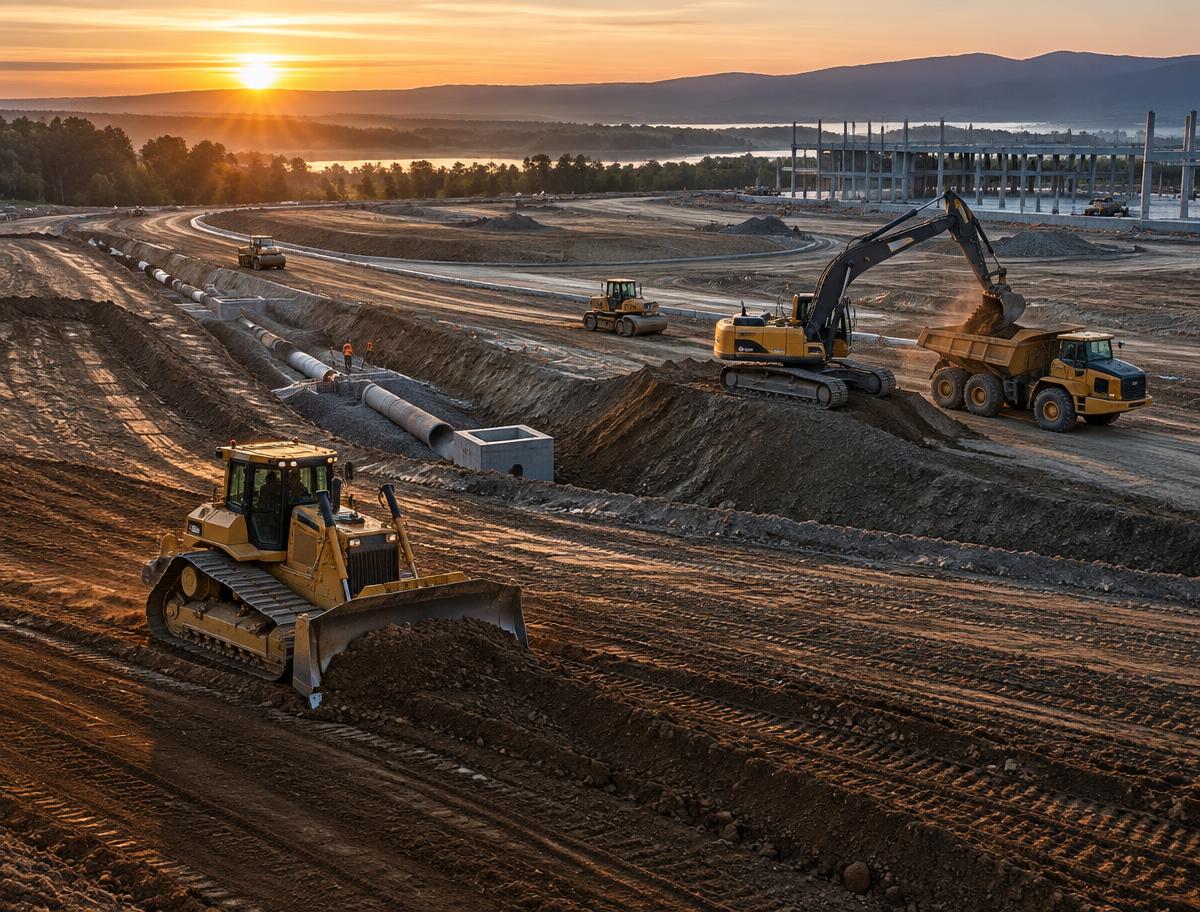
One operational picture
Follow owned machines, rentals, and trucks across clearing, earthwork, utility, and grading packages without rebuilding the day from calls and spreadsheets.
Compare activity across jobs to spot redeployment opportunities, off-rent candidates, and bottlenecks forming around hauling or support equipment.
Give equipment managers the location, usage, and field context needed to coordinate service without losing track of where each machine is going next.
See equipment and truck activity by project instead of interpreting an undifferentiated map. Understand which site package each asset supports and where the day needs attention.
Depth of data your team can rely on.
Every jobsite and asset in context
Review activity across excavation, utility, and grading operations to find underused machines, balance the fleet, and make better rental and redeployment decisions while conditions are still changing.
One shared record for everyone involved.
Utilization that reflects the phase of work
Keep inspections, usage, and service needs connected to the asset record so field and shop teams can plan work around job priorities, machine location, and upcoming assignments.
Traceable and audit-ready from day one.
Maintenance coordinated with the next move
Crews, dispatch, shop teams, and managers can see the same equipment activity without waiting for calls or end-of-day updates.
Track where assets are, what they are doing, and which job they are supporting so operations can make faster calls.
Usage, inspections, and service signals stay close to the asset record so the shop can act before small issues slow the job.
See fleet visibility and field workflows in the same demo.
Book a demoBook a demo to see how goAardvark fits your heavy-civil operation.